 TEQENG
Official FC 27 requirements
According to the game's Steam page, the minimum runs it on the Low preset at 720p and 60 FPS, and the recommended spec runs the Medium preset at 1080p and 60 FPS:
| Minimum | Recommended | |
|---|---|---|
| Processor | Ryzen 5 1600 or Core i5-6600K | Ryzen 7 2700X or Core i7-6700 |
| Graphics | GTX 1050 Ti or RX 570 | GTX 1660 or RX 5600 XT |
| Memory | 8 GB DDR4 dual channel | 12 GB dual channel |
| Storage | 100 GB (SSD recommended) | 100 GB (SSD required) |
| OS | Windows 10 or 11, 64-bit | Windows 10 or 11, 64-bit |
You also need DirectX 12 and an internet connection, and the game requires the EA app and EA online activation.
What actually makes a difference
- The graphics card first: it decides resolution, settings and frame rate. On a tight budget, put it ahead of every other part.
- An NVMe SSD: the recommended spec requires an SSD, and the difference shows in loading between matches and menus.
- 16 GB of RAM: more than the recommended 12 GB, with room for background apps like Discord and a browser.
- The processor: any modern six-core CPU handles FC 27 comfortably; it matters more in CPU-heavy games and streaming.
- Power supply and cooling: they do not add frames, but they keep the PC stable and quiet under long sessions.
Four builds by budget
Every build below exceeds FC 27's recommended spec for processor, memory and storage. They differ in graphics card and processor, which means how high you can push settings and how heavy the games you can play:
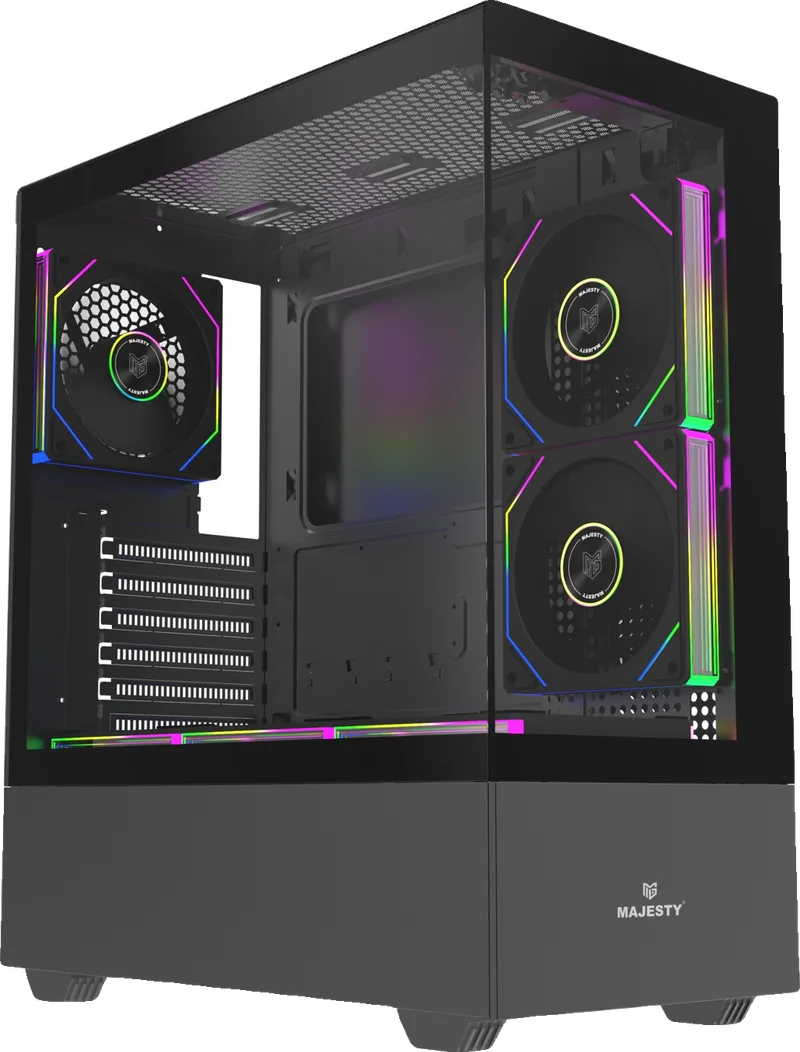
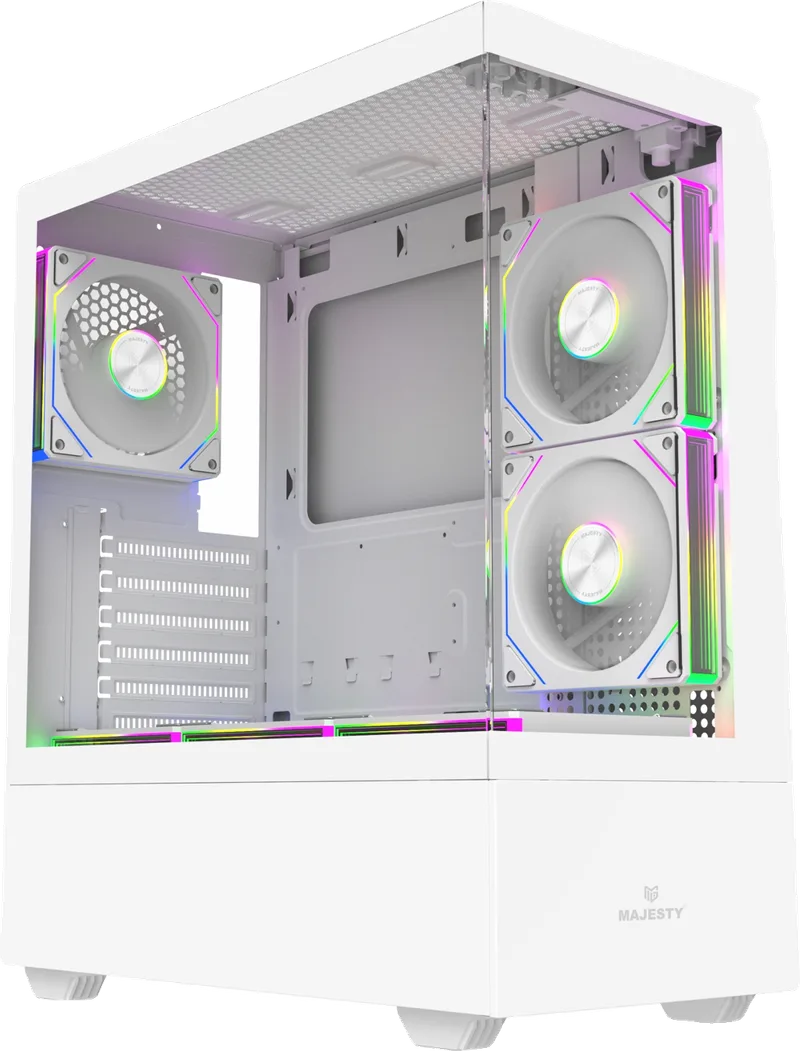
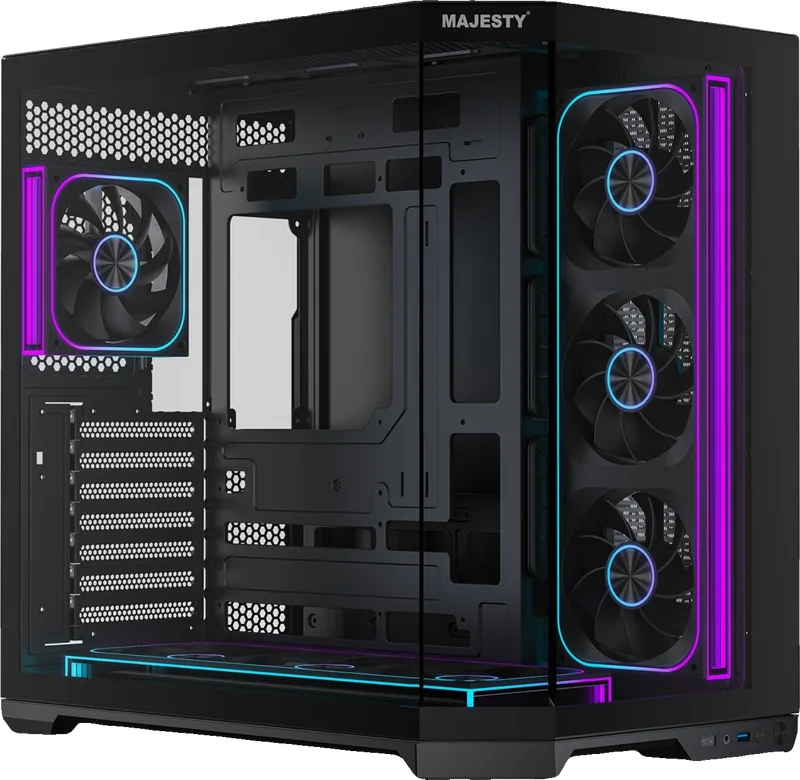


- Launch: an RTX 3050 in the same class as the game's recommended card, and a processor far above what is required. A great start for FC 27 at 1080p.
- Pro: the best fit for most people. The 8 GB RTX 5060 raises FC 27 settings and handles new games at 1080p comfortably, with a 1 TB SSD.
- Elite: the same card with an i7-14700F and a 360 mm liquid cooler. Worth it if you stream, record gameplay or run heavy apps while playing.
- Legend: the Ryzen 7 7800X3D, known for its gaming performance, with an RTX 5060 Ti and DDR5 memory. The best choice for a high refresh rate monitor or 1440p.
Prices and parts are kept up to date on the PC builds page, and every build can be upgraded to a stronger graphics card.
Settings that help once the PC is set up
- Install the game on the SSD, not a hard drive, especially since the recommended spec requires an SSD.
- Update your graphics driver from the official NVIDIA or AMD app before the first launch.
- Cap the frame rate at your monitor's refresh rate (60 or 144, for example) in the game settings for a steady, stutter-free picture.
- Turn on Game Mode in Windows under Settings → Gaming → Game Mode, and close heavy apps running in the background.
Already have a PC and want to run FC 27?
Compare your PC with the table above. If your processor and RAM are close to the recommended spec and the weak point is the graphics card or a hard drive, an upgrade is usually cheaper than a new build: a newer graphics card, or an SSD instead of a hard drive. We check your PC in PC service and tell you the cause and the price before any step.
The game itself
If your PC is ready, a Steam account with FC 27 arrives in "My library" within 24 hours. After delivery, secure it with our Steam account guide.

