 TEQENG
Rule one: the GPU leads
In games the graphics card decides resolution, settings and frame rate. On a tight budget, put the GPU first after a sensible minimum CPU. A modern mid-range CPU with a stronger GPU beats a strong CPU with a weak GPU.
Match parts to your goal
| Goal | Focus on |
|---|---|
| 1080p high settings | Mid-range GPU, 16 GB RAM, NVMe SSD |
| Heavy games or high frame rates | A stronger GPU, a 6-core or better CPU, good cooling |
| Gaming plus streaming or recording | A stronger CPU, 16 GB RAM minimum, cooling |
The parts in order
- GPU: the most important. Check its memory and compare against the games you play.
- CPU: any modern 6-core or better handles most games. The gap grows in CPU-heavy games and streaming.
- RAM: 16 GB is comfortable for games today; 32 GB if you stream or run heavy apps alongside. Match the RAM type your board supports (DDR4 or DDR5).
- Storage: an NVMe SSD changes boot and load times more than almost any other part. 1 TB holds several big games.
- PSU: do not skimp. Enough watts and an 80+ rating protect the PC and keep it stable and quiet.
- Cooling and case: they do not add frames, but they stop heat from lowering performance in long sessions.
Common mistakes
- A strong GPU on a weak or unrated power supply.
- A single RAM stick instead of two, which lowers game performance.
- Forgetting BIOS and GPU driver updates after assembly.
How to split the budget
This is a rough rule, not a fixed limit: the biggest share goes to the graphics card, then the CPU and motherboard, then RAM and storage, and finally the PSU, case and cooling. But do not go below a PSU that covers the card with a safe margin, and do not pick a motherboard that cannot support parts you want to upgrade to later.
- On a fixed budget, a small increase to reach a higher GPU is usually worth more than RAM beyond 16 GB.
- If you play competitive games at high frame rates, the CPU and monitor refresh rate matter more.
- If you plan to upgrade later, choose a motherboard and PSU that allow a stronger card without replacing them.
How to read GPU specs
- Generation and tier: a higher number within one generation is stronger, but a newer generation in the same tier is usually better in efficiency and features.
- Video memory (VRAM): modern games at high resolution need more memory, so watch it if you play at high quality.
- Power draw: each card needs a certain wattage and specific connectors, so make sure the PSU covers it.
- Length and space: graphics cards differ in length; make sure it fits in the case.
Resolution and refresh rate: what suits your monitor
A strong card on a 1080p 60 Hz monitor will not show its full strength, and a mid-range card on a demanding 1440p monitor may need lower settings. Choose the card by the resolution you actually play at: the higher the resolution or refresh rate, the stronger the card you need. If your monitor is 1080p today, do not overspend on a card beyond its needs unless you plan to change the monitor.
After you get the PC
- Install and activate Windows with a key that matches your edition.
- Update the graphics driver from the manufacturer’s site.
- Run Windows Update and restart until nothing is pending.
- Enable the memory profile (XMP or EXPO) in the BIOS so RAM runs at its rated speed.
Our ready builds
Four builds with fixed parts, assembled and tested, at the current price (updated from live prices):
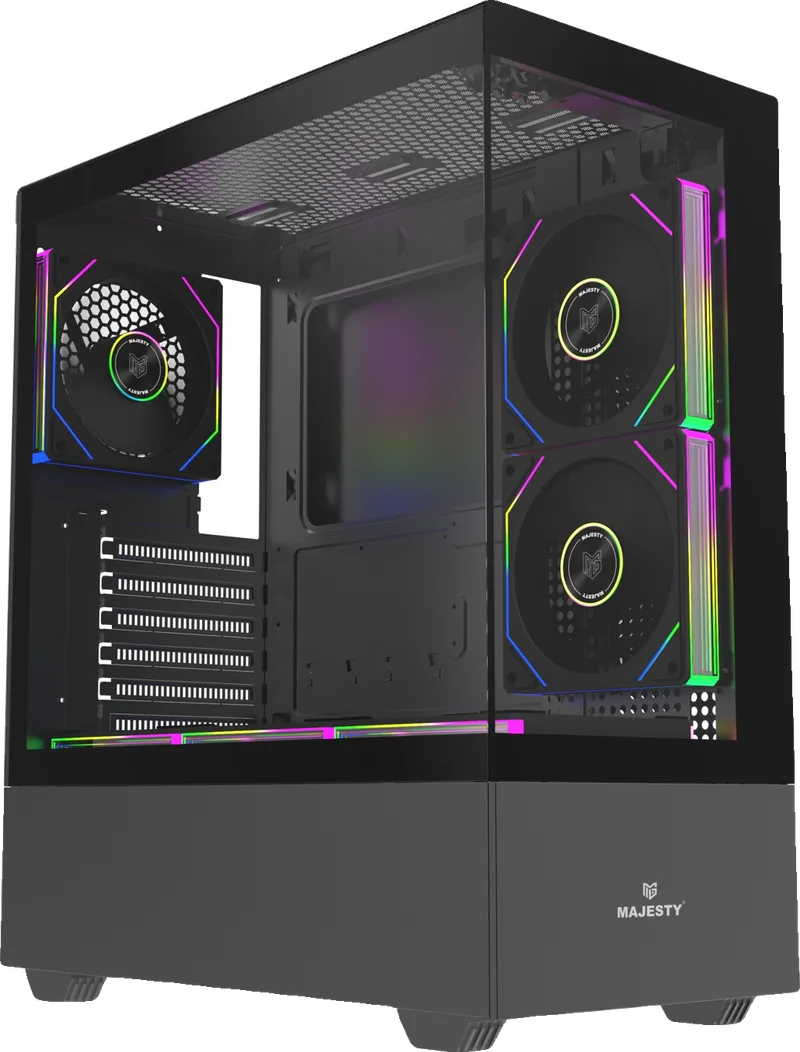
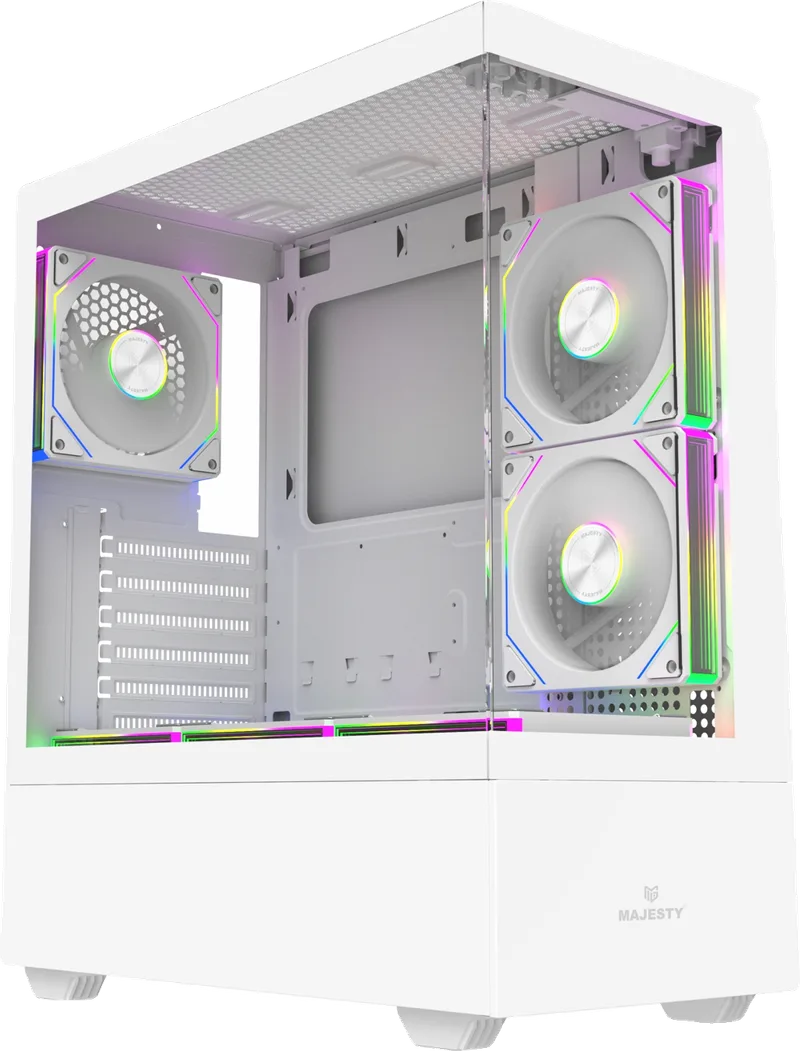
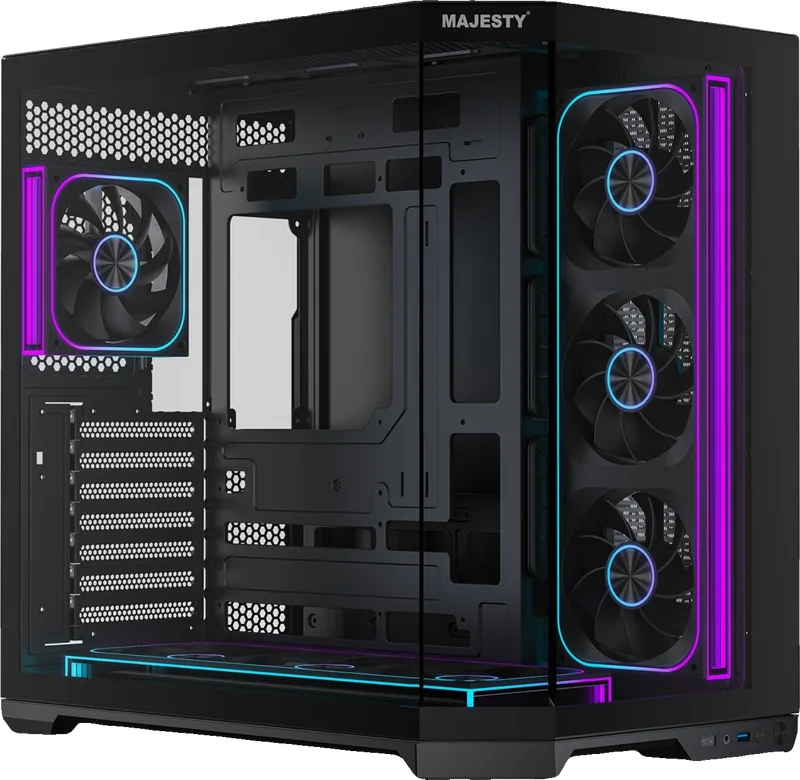


Details and photos of each are on the builds page.
Will it run your game?
Before setting a budget, check the minimum requirements of the game you want on its page in Steam games. A detailed example for one game across four builds is in the best build for FC 27.
Need Windows on the new PC? See Windows 10 or 11 and activating Windows 11.